Vendor Rules
You do not buy from whichever distributor is a cent cheaper. You have accounts with certain vendors, an approved-vendor list, or distributors you avoid. Vendor rules make PartsBox select offers the way you actually buy.
Rules in order, first match wins
A vendor rule group is an ordered list of rules. Each rule sets where to buy from: any vendor, one of a named set of vendors, any vendor except a named set, or your own external offers only. PartsBox tries the rules in order and stops at the first one that produces an offer. A realistic production group reads like a policy:
- Use our own negotiated offers only.
- Buy from DigiKey, Mouser, or Farnell.
- Buy from any vendor.
A part with a contract price uses it; a part your preferred distributors carry comes from them; and only a part none of them has falls through to the open market. Within whatever a rule allows, PartsBox still ranks by effective price and picks the best offer, so a rule narrows the field without giving up the cheapest valid choice.
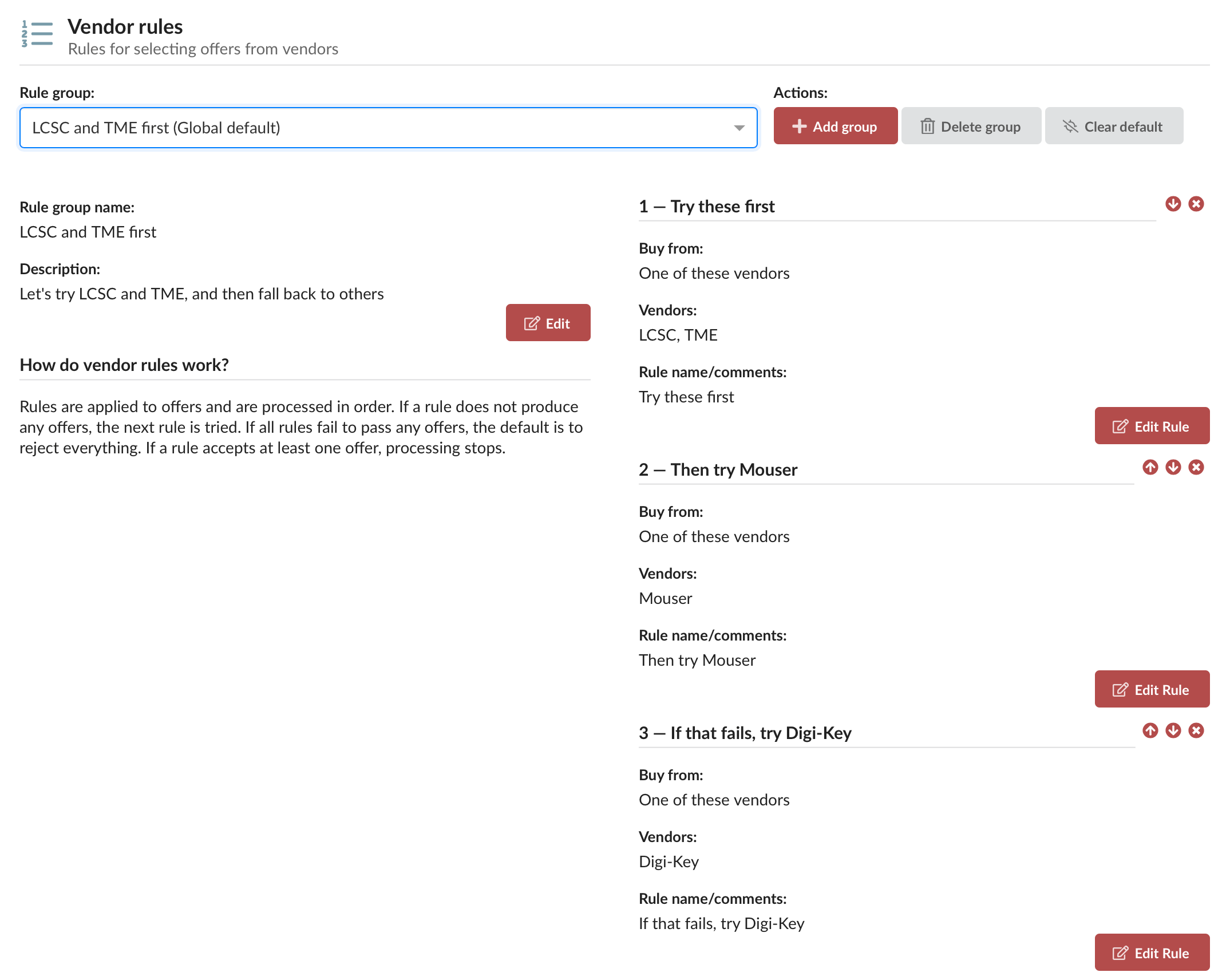
Rule groups for different work
Define as many named rule groups as you need in Settings — one for production, one for prototypes, one for a specific client — and set one as the global default. A project or a purchase list can lock a specific group, so it always uses those rules instead of the default. A contract manufacturer can keep one group per client, with the client's approved vendors in it, and lock it on that client's projects; buying to the wrong vendor list stops being possible.
The same rules everywhere
Vendor rules apply everywhere PartsBox chooses an offer. BOM pricing, purchase lists, and purchase orders all respect the same rules, so the price you see when you cost a board is the price you get when you buy it.
Vendor rules are part of purchasing, which starts on the Essentials plan.